
3D Changer alternative
Both apps tune on your phone. TurboSet goes further: it renders your build as a cinematic studio video, not just a 3D screenshot.
Coming soon to iPhone. Follow @turboset.ai on Instagram for early access.
We make TurboSet. We aim to compare fairly.
Main difference
Many mobile tuners stop at the preview. TurboSet path traces your build on GPUs in our studio, so a simple 3D session ends with a feed-ready car video.
App features change over time. Check the latest listings if exports matter most.
TurboSet strengths
- Beginner-friendly, learn in minutes
- Studio video exports for Instagram and Reels
- Mobile-first iPhone experience
- Photoreal AI photos of your build
3D Changer strengths
- Known mobile tuning workflow
- May support more devices (see store listing)
- Fine if you only need in-app 3D, no video export
At a glance
A quick snapshot. Check each official site for the latest details.
| Feature | TurboSet | 3D Changer |
|---|---|---|
| Ease of use | Simple, guided mobile UI | Varies by version |
| Instagram video | Studio video of your build | Check app for export options |
| Platform | Built for iPhone | Mobile (see listing) |
| Output | Studio videos + AI stills | Mostly in-app 3D |
What you can do in Turboset
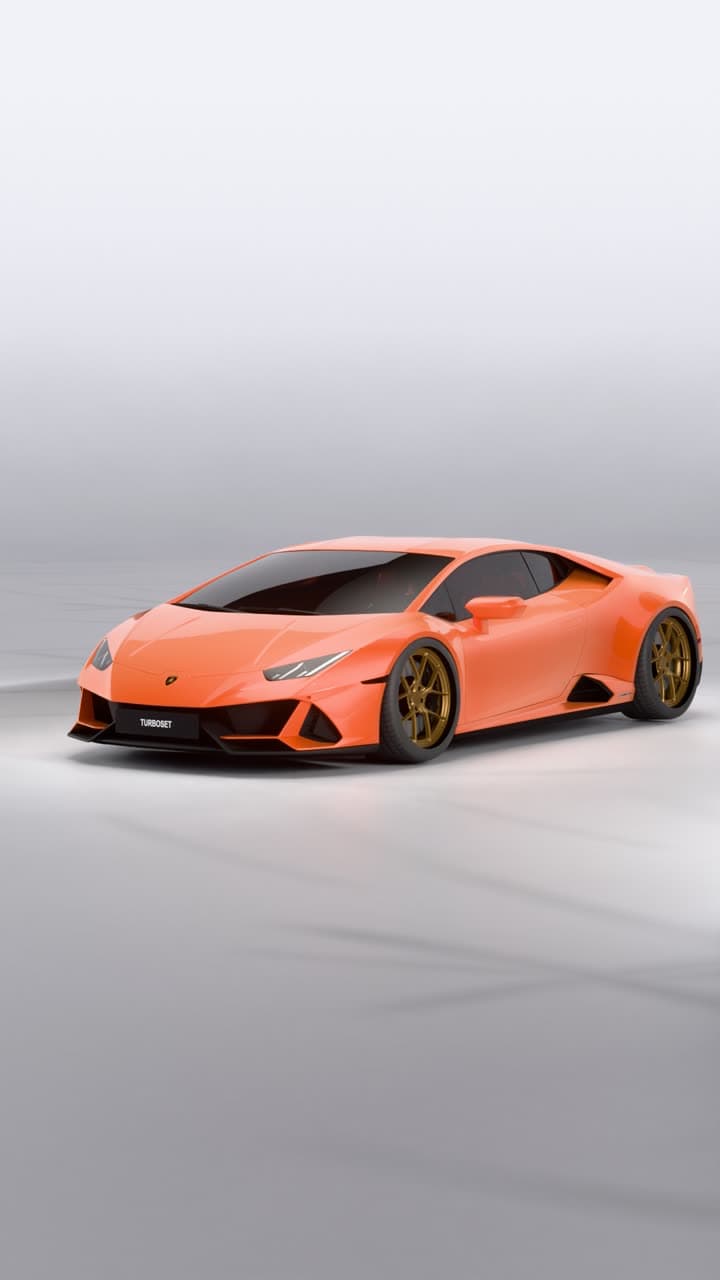
Build it in 3D.
Render it in our studio.Customise your car in the editor, then get a studio video of it.
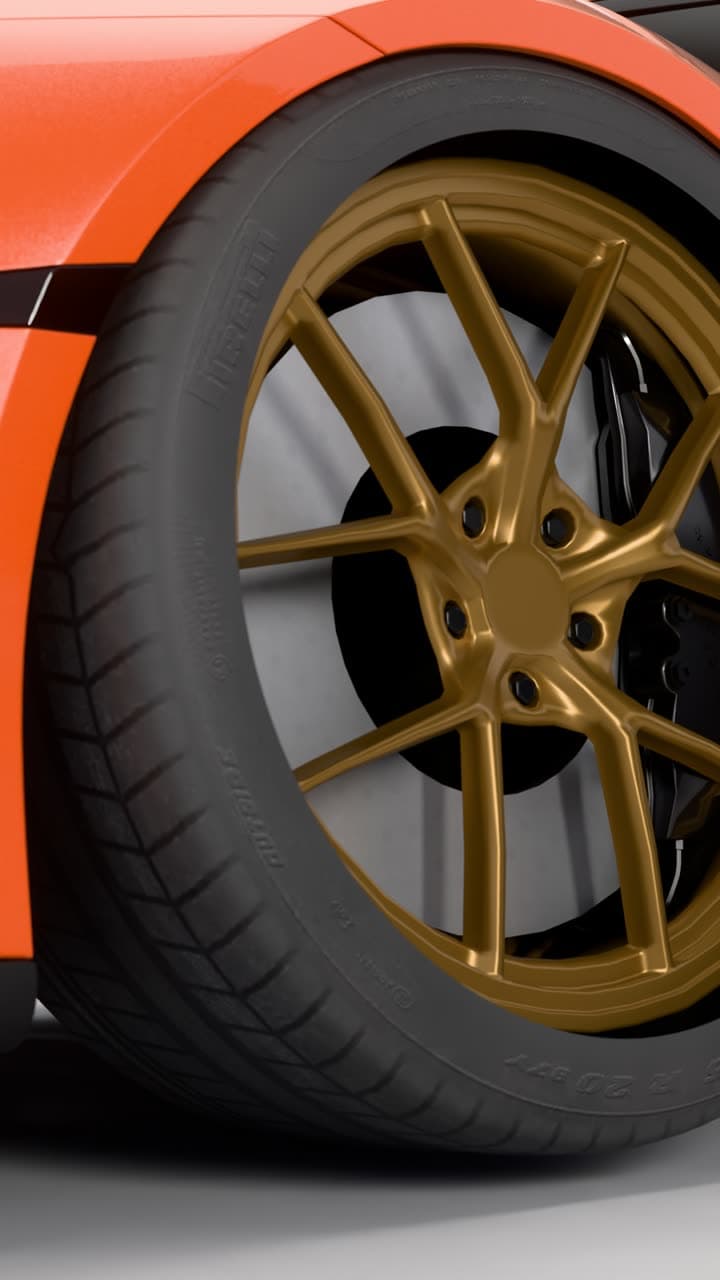
Real light.
Real reflections.Every video is path traced on GPUs in our studio, not generated by AI. 13 seconds, vertical, eight shots in one cinematic edit.
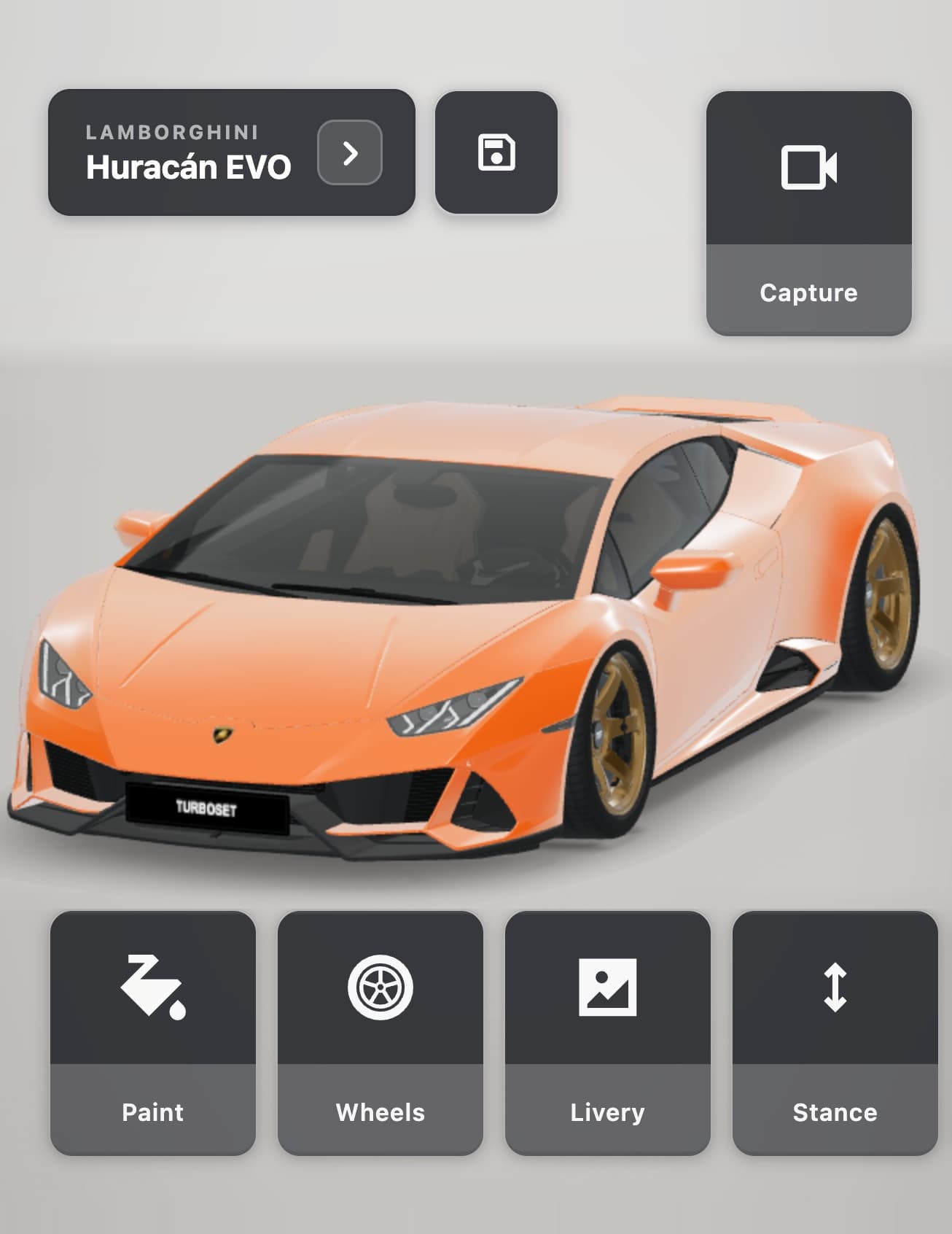
Customise
everything.Paint, wraps, wheels, stance, livery and more on a real 3D model.
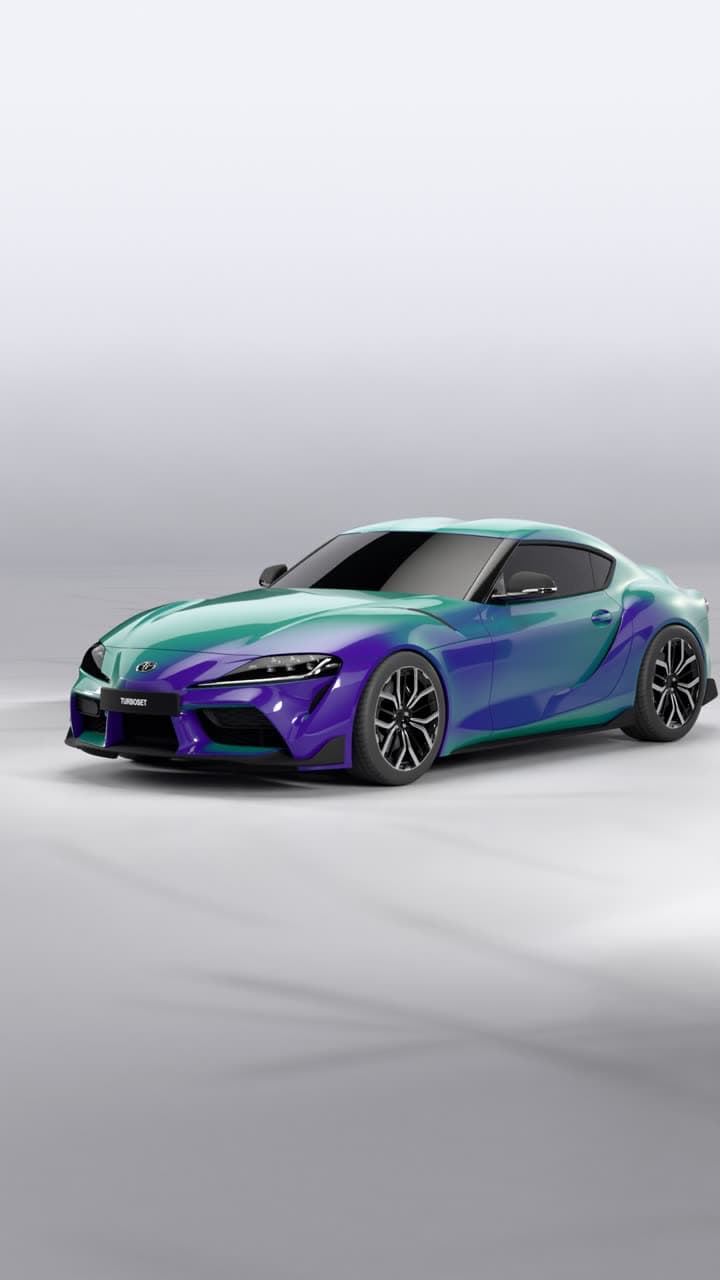
Make it
yours.Wraps, patterns, two-tone wheels, colour-shift paint and more. Add your own photos as decals.
FAQ
- Never tuned a car in an app before?
- TurboSet is built for that. Big touch targets, clear steps, no jargon.
- Best for Instagram?
- If you want a cinematic video of your build to post, TurboSet is built for it. For 3D-only mockups, compare each app’s exports.
Build it in 3D.
Render it in our studio.
Build your car in 3D and get a cinematic studio video of it: path traced on GPUs, not generated by AI.
Coming soon to iPhone. Follow @turboset.ai on Instagram for early access.