
Car stance simulator
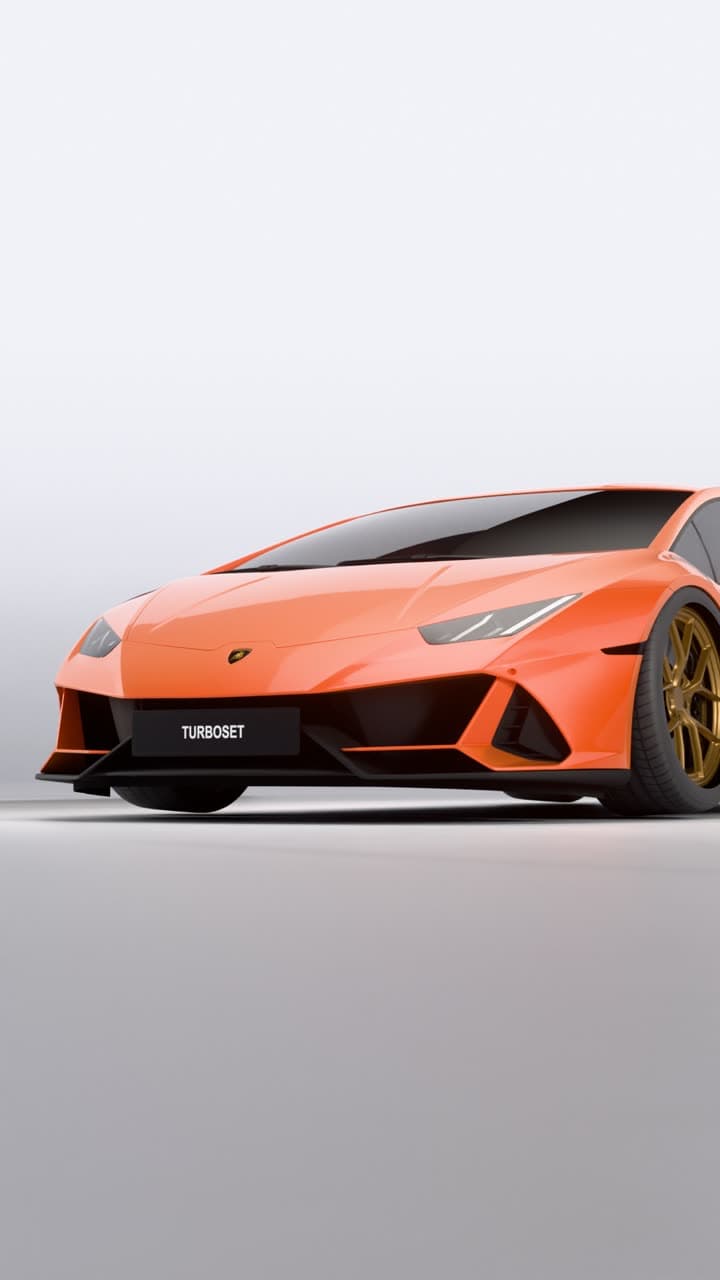
Drop it, set the fitment, and watch the 3D model update live. Then render a cinematic studio video that shows the stance better than a photo can.
Coming soon to iPhone. Follow @turboset.ai on Instagram for early access.
Real 3D models
Customise
everything.
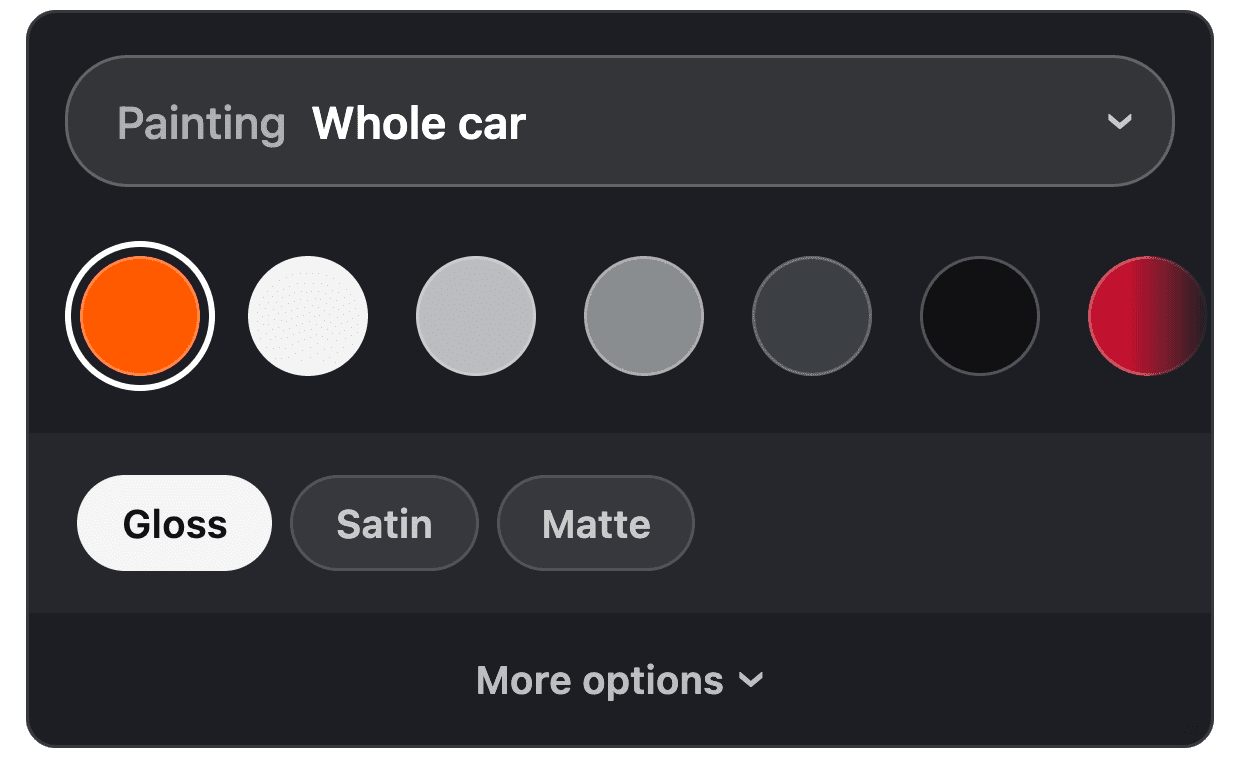
Paint, wraps, wheels, stance, livery and more on a real 3D model.
Simulate before you lower
The ride height slider updates the 3D model live. Pair it with wheel fitment to spot problems before you buy. It's an accurate visual preview, not a physics engine.
What you can do in Turboset
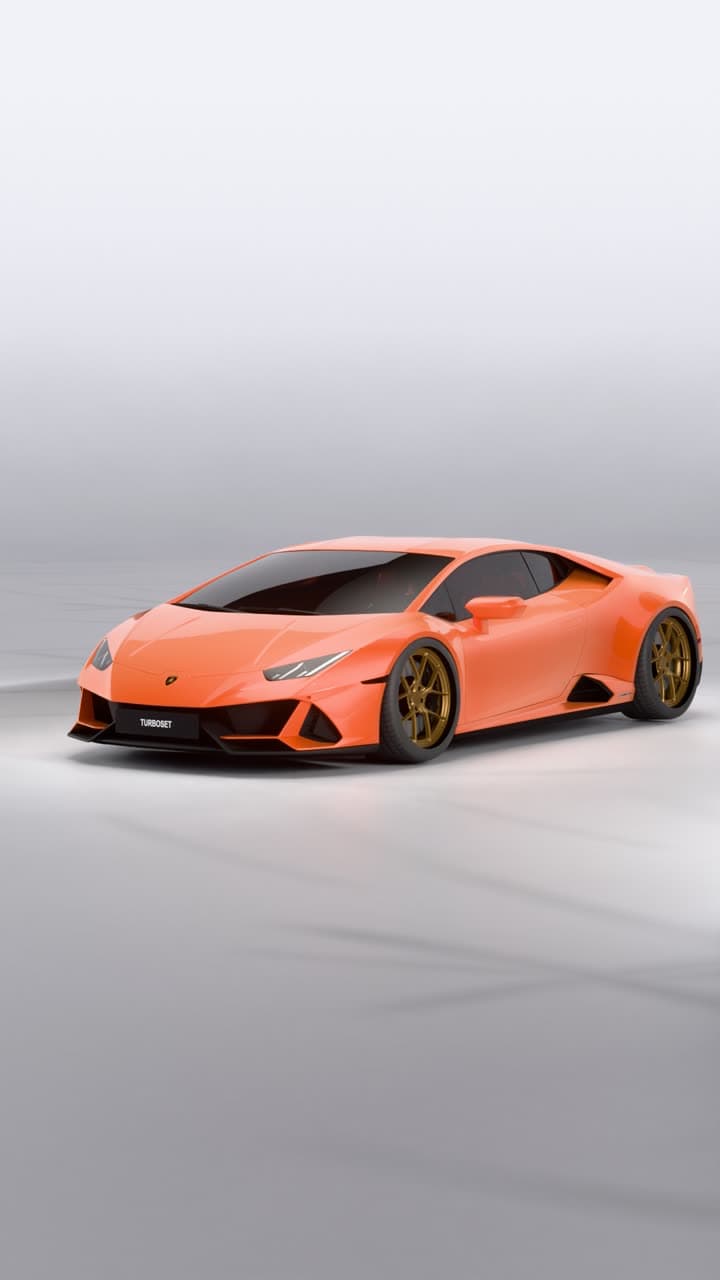
Build it in 3D.
Render it in our studio.Customise your car in the editor, then get a studio video of it.
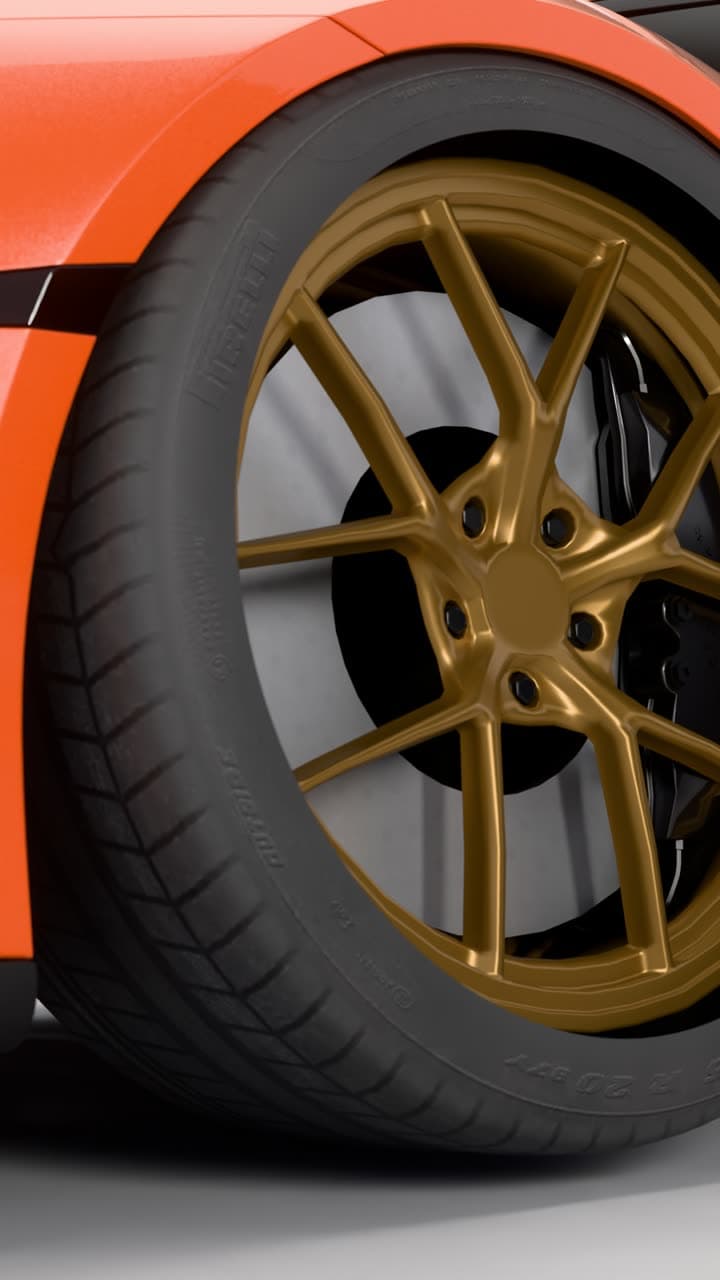
Real light.
Real reflections.Every video is path traced on GPUs in our studio, not generated by AI. 13 seconds, vertical, eight shots in one cinematic edit.
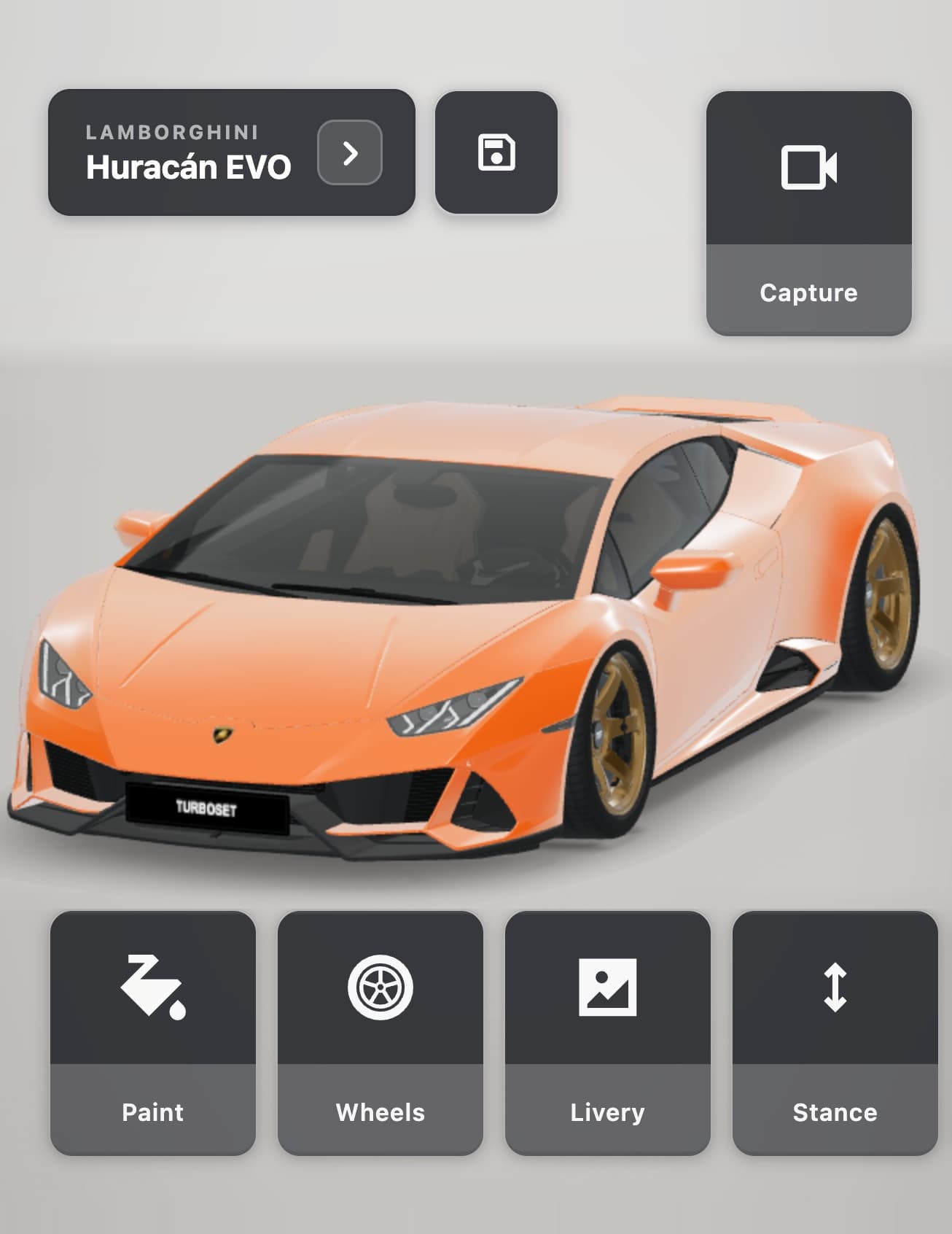
Customise
everything.Paint, wraps, wheels, stance, livery and more on a real 3D model.
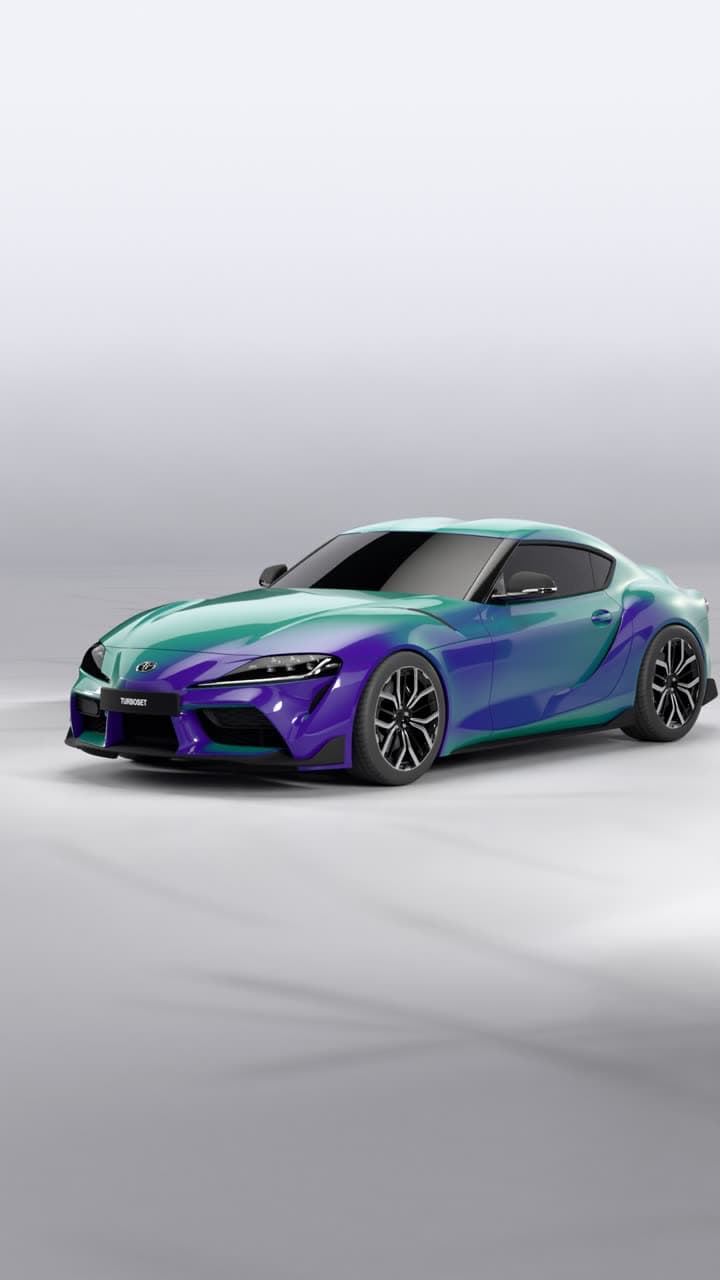
Make it
yours.Wraps, patterns, two-tone wheels, colour-shift paint and more. Add your own photos as decals.
Real studio videos made in Turboset
Try it on these cars
Open a TurboSet 3D model and use the same tools described on this page.
FAQ
- Is this a physics simulator?
- No. It simulates the look and fitment, not suspension physics. For physics games, see our modification simulator guide.
- Best way to show stance on social?
- Render a studio video. Low orbits and a wheel close-up show the drop better than one screenshot.
Drop it in 3D.
Show it off in a video.
Build your car in 3D and get a cinematic studio video of it: path traced on GPUs, not generated by AI.
Coming soon to iPhone. Follow @turboset.ai on Instagram for early access.