TurboSet
Build your car in 3D on iPhone, customise paint, wraps, wheels, stance, tint and livery, then turn it into a cinematic studio video, path traced on GPUs.

3DTuning has the biggest browser catalog. TurboSet builds your car in 3D on iPhone and turns it into a cinematic studio video.
Coming soon to iPhone. Follow @turboset.ai on Instagram for early access.
We make TurboSet. We aim to compare fairly.
Choose 3DTuning for desktop breadth. Choose TurboSet to build on your phone and post a studio video of the result.
Build your car in 3D on iPhone, customise paint, wraps, wheels, stance, tint and livery, then turn it into a cinematic studio video, path traced on GPUs.
A huge web catalog and community. Strong for desktop exploration, less suited to mobile or video.
| Feature | TurboSet | 3DTuning |
|---|---|---|
| Ease of use | Beginner-friendly | Powerful, but complex on a phone |
| Instagram video | Cinematic studio video of your 3D build | Standard 3D, no studio video |
| Platform | iPhone, built for mobile | Web browser |
| Catalog | Curated, growing | Very large |
| Community | Launching soon | Established galleries |
| You | New to tuning, posts on Instagram | Desktop explorer, max models |
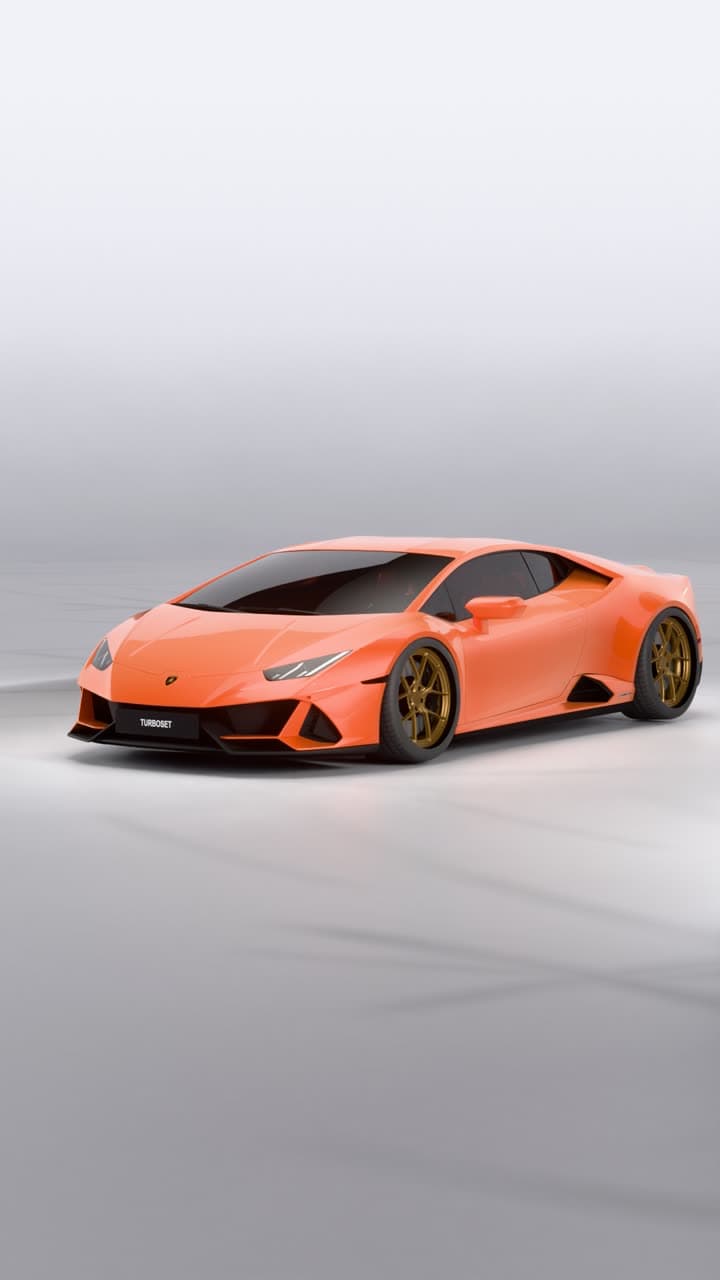
Customise your car in the editor, then get a studio video of it.
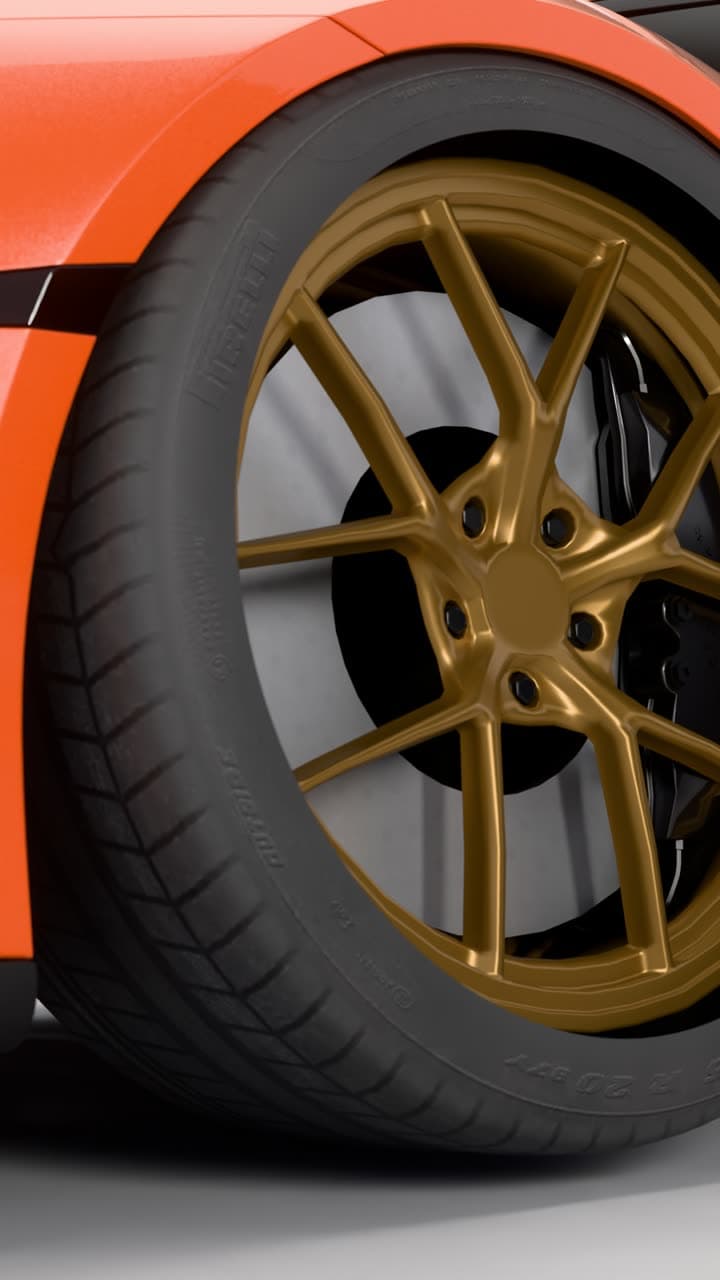
Every video is path traced on GPUs in our studio, not generated by AI. 13 seconds, vertical, eight shots in one cinematic edit.
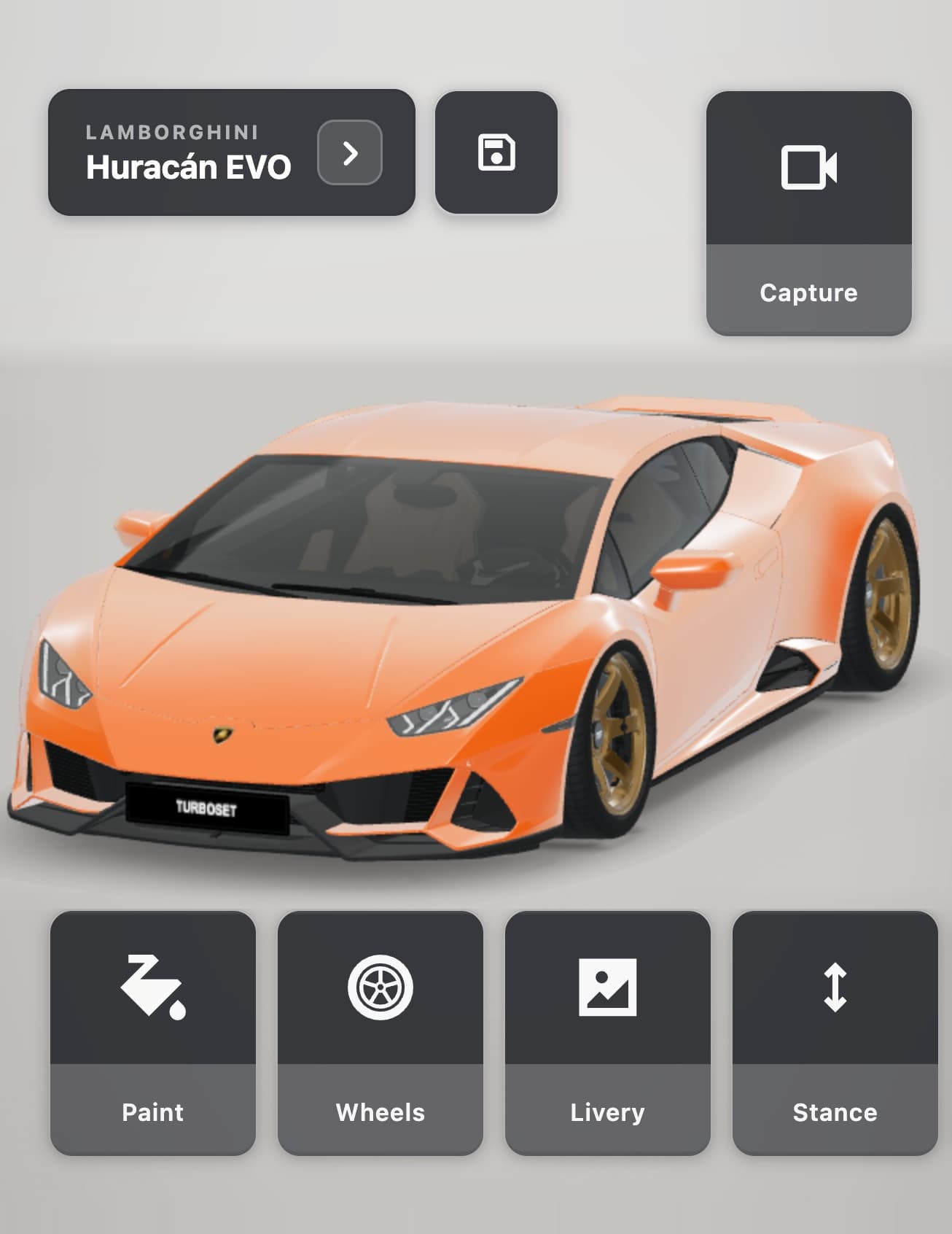
Paint, wraps, wheels, stance, livery and more on a real 3D model.
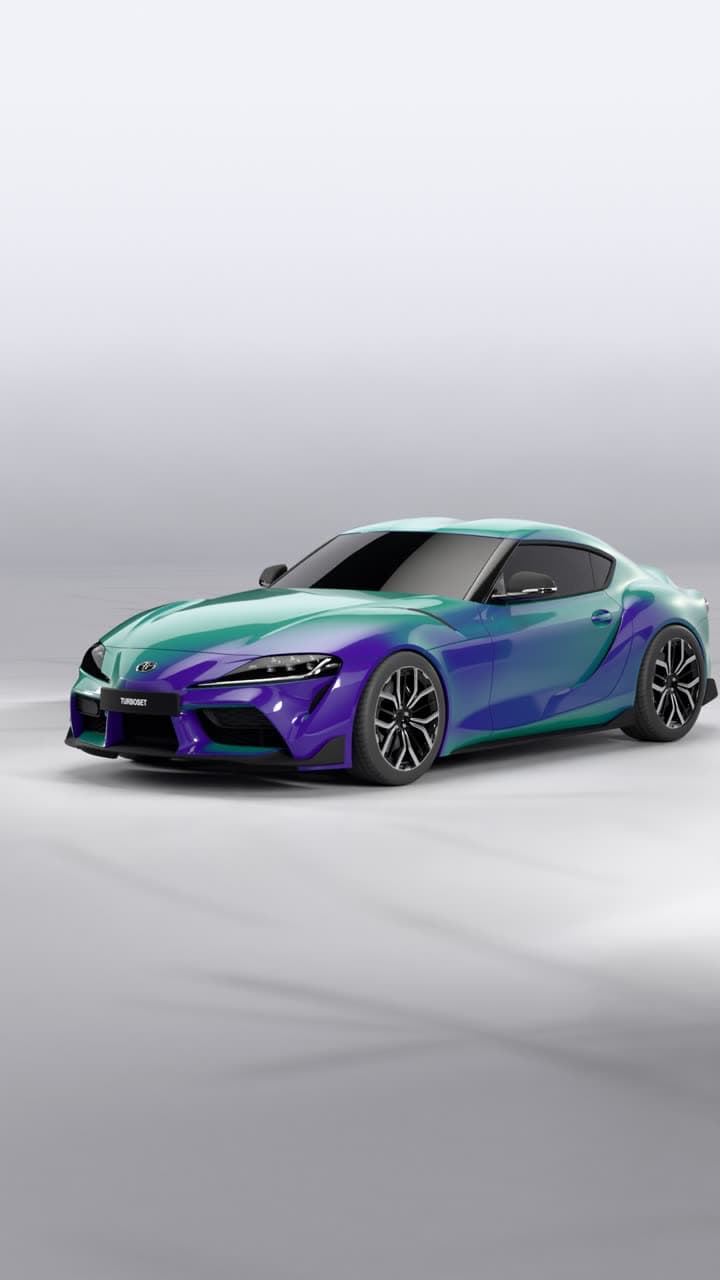
Wraps, patterns, two-tone wheels, colour-shift paint and more. Add your own photos as decals.
Build your car in 3D and get a cinematic studio video of it: path traced on GPUs, not generated by AI.
Coming soon to iPhone. Follow @turboset.ai on Instagram for early access.